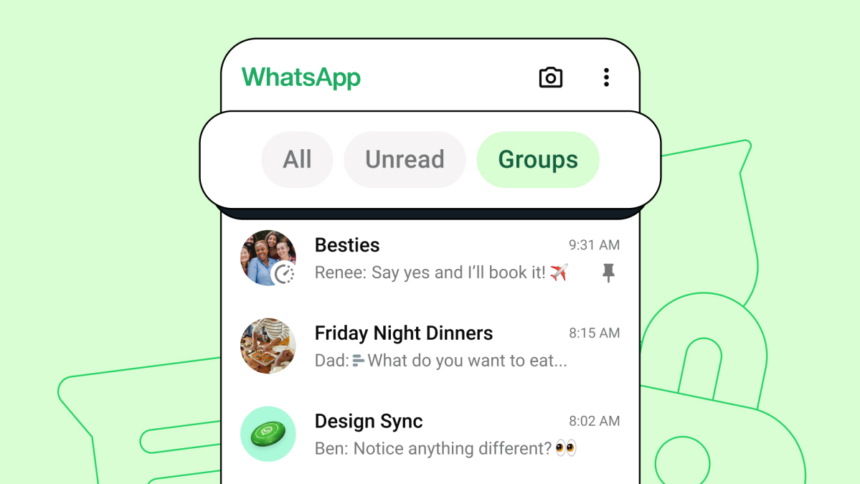
As of 2026, WhatsApp users can now lock their chats with a secret code, adding an extra layer of privacy to their conversations. If you’re tired of snoopers or accidental message opens, this feature is for you. With this new functionality, you can secure your chats with a pin or fingerprint, ensuring that only you can access them.
This update is particularly useful for those who share devices or have curious friends and family members. By locking your WhatsApp chats, you can prevent unauthorized access and maintain the confidentiality of your conversations. In this article, we’ll guide you through the process of enabling this feature and explore its benefits.
Enabling Secret Code Lock
To lock your WhatsApp chats with a secret code, follow these steps:
- Open WhatsApp and go to Settings > Account > Privacy.
- Look for the option labeled “Lock WhatsApp” and tap on it.
- Choose your preferred lock method: PIN or fingerprint.
- Set up your PIN or fingerprint, and confirm your selection.
Once you’ve enabled the secret code lock, you’ll be prompted to enter your PIN or use your fingerprint whenever you open WhatsApp. This ensures that only you can access your chats, even if someone else has access to your device.
Benefits of Secret Code Lock
The secret code lock feature offers several benefits, including:
- Enhanced privacy: By locking your WhatsApp chats, you can prevent others from reading your messages or accessing your conversations.
- Added security: The PIN or fingerprint lock provides an extra layer of protection against unauthorized access.
- Peace of mind: With the secret code lock enabled, you can rest assured that your conversations are secure and private.
Tips and Tricks
To get the most out of the secret code lock feature, consider the following tips:
- Use a unique PIN: Avoid using easily guessable PINs, such as your birthdate or phone number.
- Keep your fingerprint data secure: Make sure to keep your fingerprint data private and secure, especially if you’re using a shared device.
- Enable two-factor authentication: Consider enabling two-factor authentication to add an extra layer of security to your WhatsApp account.
The Bottom Line
The secret code lock feature is a valuable addition to WhatsApp’s privacy and security features. By enabling this feature, you can protect your conversations and maintain the confidentiality of your messages. Whether you’re a casual user or a business professional, this feature is a must-have for anyone who values their online privacy.