Your digital footprint is valuable, and with the latest iOS update, you now have an easy way to see exactly how apps are using your data. This new feature puts you in the driver’s seat, allowing you to make informed decisions about your privacy and security.
Understanding the Data Privacy Landscape
In today’s digital age, your personal information is a commodity. Apps and services collect vast amounts of data, from your location to your browsing habits. While this data is often used to enhance your experience, it’s crucial to know what’s being collected and how it’s being used.
The New iOS Data Privacy Feature
Apple has introduced a game-changing feature that gives you an overview of how apps utilize your data. This tool provides a transparent look at the data points apps access, helping you understand the extent of their reach.
How to Access the Data Usage Overview
- Open Settings: Navigate to your device’s Settings app.
- Privacy: Scroll down and tap on Privacy.
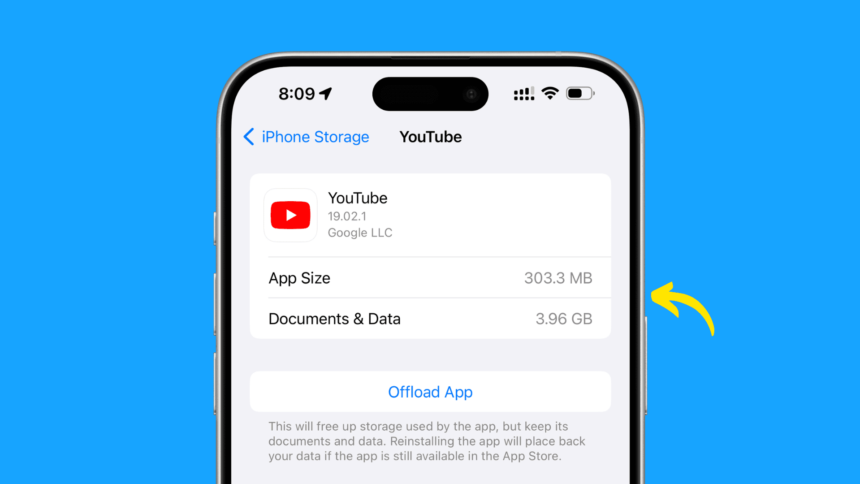
- App Privacy: Select App Privacy to view a list of all installed apps.
- App Details: Tap on an app to see its data usage.
Here, you’ll find a detailed breakdown of the data points the app accesses, including your contacts, calendar, photos, and more.
Making Informed Decisions
With this information at your fingertips, you can decide which apps are worth the trade-off and which ones might be collecting more data than necessary. It’s a powerful tool to ensure your data privacy and security.
Tips for Optimizing Your Data Privacy
- Regularly review app permissions: Stay on top of which apps have access to your data and consider revoking permissions for apps you no longer use.
- Use strong, unique passwords: A password manager can help you generate and store complex passwords, reducing the risk of data breaches.
- Enable two-factor authentication: Add an extra layer of security to your accounts to protect your data even if your password is compromised.
- Limit location sharing: Only share your location with apps that truly need it, and consider using the Allow Once option for added control.
By taking these steps, you can ensure your digital footprint is protected and your data remains secure.
Staying Informed and Secure
In an era where data is power, it’s essential to stay informed about the latest privacy features and tools. Apple’s data usage overview is a significant step towards empowering users, but it’s just one piece of the puzzle. Keep yourself updated with the latest privacy trends and best practices to ensure your digital life remains secure.
Remember, your data is valuable, and with the right tools and knowledge, you can take control of your digital privacy.