



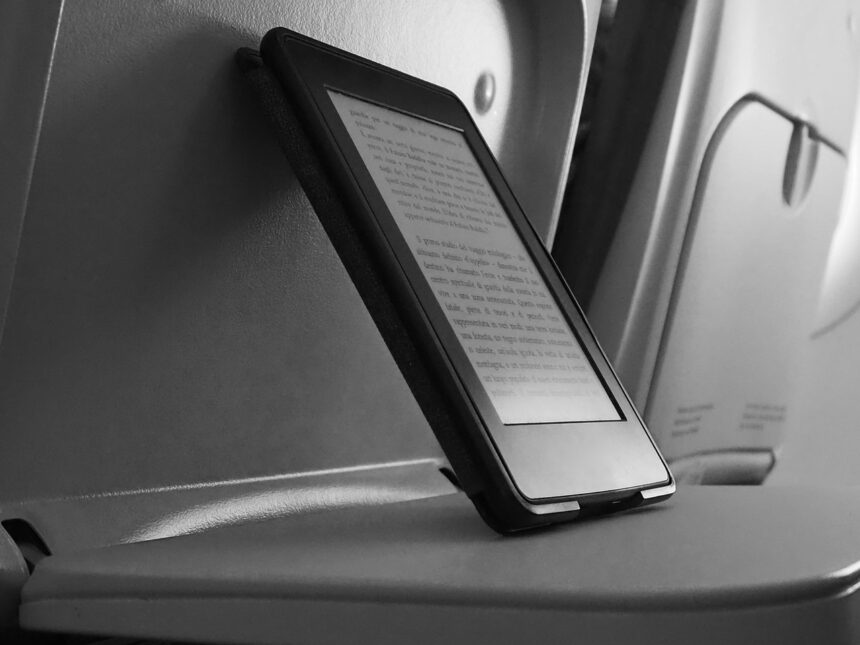
As a busy professional, you likely have a large collection of eBooks on your Kindle device. However, what happens if you lose your device or want to switch to a different eReader? Downloading your entire Kindle library can be a daunting task, but it’s a great way to ensure you have access to your books at all times. By doing so, you’ll have a backup of your library and can easily transfer it to a new device.
Why is it important to download your Kindle library? For one, it gives you more control over your eBooks. You can store them locally on your computer or external hard drive, making it easier to manage your collection. Additionally, downloading your library ensures that you have access to your books even if Amazon’s servers are down or you lose your internet connection.
Why Downloading Your Kindle Library Matters
Downloading your Kindle library is essential for any book lover. Not only does it provide a sense of security, but it also allows you to organize your eBooks in a way that works best for you. With a local copy of your library, you can use eBook management software to categorize, tag, and search your books more efficiently.
Step-by-Step Guide to Downloading Your Kindle Library
To download your Kindle library, follow these steps:
- Go to the Amazon website and sign in to your account.
- Navigate to the “Manage Your Content and Devices” page.
- Click on the “Preferences” tab and scroll down to the “Personal Document Settings” section.
- Make sure the “Enable Personal Document Archiving” option is turned on.
- Click on the “Content” tab and select all the eBooks you want to download.
- Click the “Download” button to start the download process.
Tips for Organizing Your Downloaded Kindle Library
Once you’ve downloaded your Kindle library, it’s time to organize it. Here are a few tips to get you started:
- Use folders to categorize your eBooks by genre, author, or series.
- Use PDF management software to edit and annotate your eBooks.
- Consider using cloud storage to access your library from anywhere.
While downloading your Kindle library is a relatively straightforward process, you may encounter some challenges along the way. One common issue is that some eBooks may be DRM-protected, which can limit your ability to download or transfer them. To overcome this, consider using eBook conversion software to remove the DRM protection.
Conclusion
In conclusion, downloading your entire Kindle library is a simple and effective way to ensure you have access to your eBooks at all times. By following the steps outlined above and using the right tools, you can easily manage and organize your library, making it easier to find and enjoy your favorite books.



