



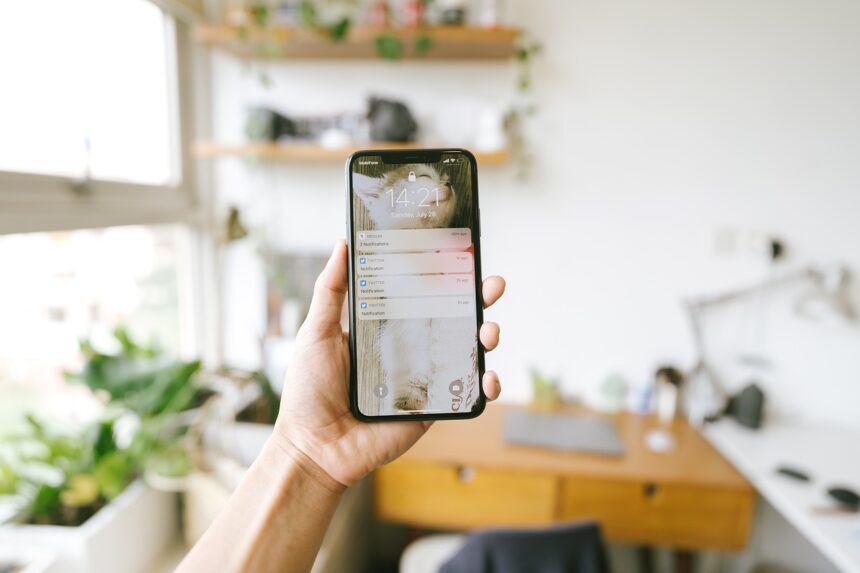
Are you tired of receiving spam notifications on your phone? These unwanted messages can be annoying and disrupt your workflow, making it difficult to focus on important tasks. Fortunately, there’s a solution – a free app that blocks spam notifications and keeps the important ones. You can use Nomorobo or other similar apps to filter out unwanted notifications.
What are Spam Notifications?
Spam notifications are unwanted messages sent to your phone, often by companies or individuals trying to sell you something. They can be in the form of text messages, app notifications, or even phone calls. These messages can be frustrating and waste your time, which is why it’s essential to block them. By using an app like Truecaller, you can identify and block spam numbers.
Why Block Spam Notifications?
Blocking spam notifications is crucial for several reasons. Firstly, it helps you stay focused on your work and avoid distractions. Secondly, it protects you from potential scams and phishing attempts. Lastly, it saves you time and reduces stress. You can also use Google Settings to manage your notifications and block unwanted messages.
How to Block Spam Notifications
To block spam notifications, follow these steps:
- Download and install a spam-blocking app, such as Avast
- Open the app and grant it permission to access your notifications
- Configure the app to block spam notifications and allow important ones
- Test the app to ensure it’s working correctly
Additional Tips
In addition to using a spam-blocking app, there are other ways to reduce unwanted notifications. You can disable notifications for certain apps or set your phone to ‘do not disturb’ mode during specific hours. You can also use iOS Notifications or Android Notifications to manage your notifications and block spam messages.
Conclusion
In conclusion, blocking spam notifications is essential for staying focused and avoiding distractions. By using a free app and following the tips outlined above, you can keep your phone notification-free and reduce stress. Remember to always be cautious when receiving unknown messages and never click on suspicious links.


