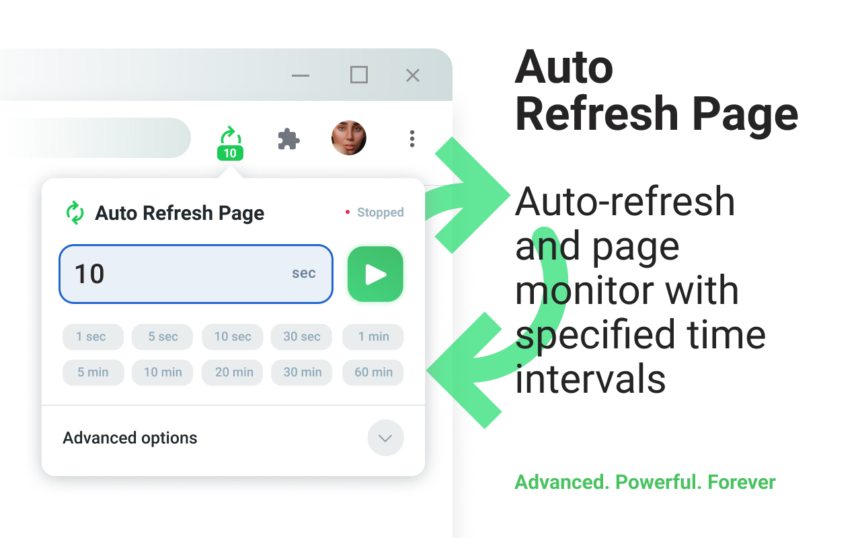
Manual refreshing is a waste of time, but what if you could automate it? With the Auto Refresh Page extension, you can streamline your workflow and save hours. This browser automation tool is a productivity hack that will change the way you work.
Streamlining Workflow with Auto Refresh Page
As a professional, you likely have multiple tabs open at once, and constantly refreshing them can be a tedious task. The Auto Refresh Page extension solves this problem by allowing you to set a custom refresh rate for each tab. You can also use the Chrome Web Store version, or get it from Microsoft Edge or Firefox Add-on.
Automating Clicks with Auto Clicker
The Auto Clicker feature is a game-changer for anyone who needs to automate repetitive tasks. With this feature, you can set the extension to automatically click on a specific element on a webpage, saving you time and effort. This is especially useful for tasks that require you to click on the same button or link multiple times.
Staying Notified with Notifications
The Notifications feature allows you to receive alerts when a webpage has changed. This is especially useful for monitoring websites that update frequently, such as news sites or social media platforms. With this feature, you can stay on top of the latest updates without having to constantly refresh the page.
Avoiding Bot Detection with Random Intervals
The Random Intervals feature helps you avoid bot detection by randomizing the refresh rate of your tabs. This makes it more difficult for websites to detect that you are using an auto refresh tool, which can help prevent your account from being flagged or banned.
Refreshing Multiple Tabs with Refresh All Tabs
The Refresh All Tabs feature allows you to refresh all of your open tabs at once. This is especially useful if you have multiple tabs open that need to be refreshed simultaneously. You can also use the Refresh URLs from a List feature to refresh multiple tabs from a list of URLs.
Customizing Your Experience with Custom JS and Countdown
The Execute Custom JavaScript feature allows you to customize your experience by executing custom JavaScript code on a webpage. You can also use the Longer Countdown feature to set a custom countdown timer for your tabs. With these features, you can tailor the Auto Refresh Page extension to meet your specific needs and workflow.